Add Quiltacy to your phone home screen
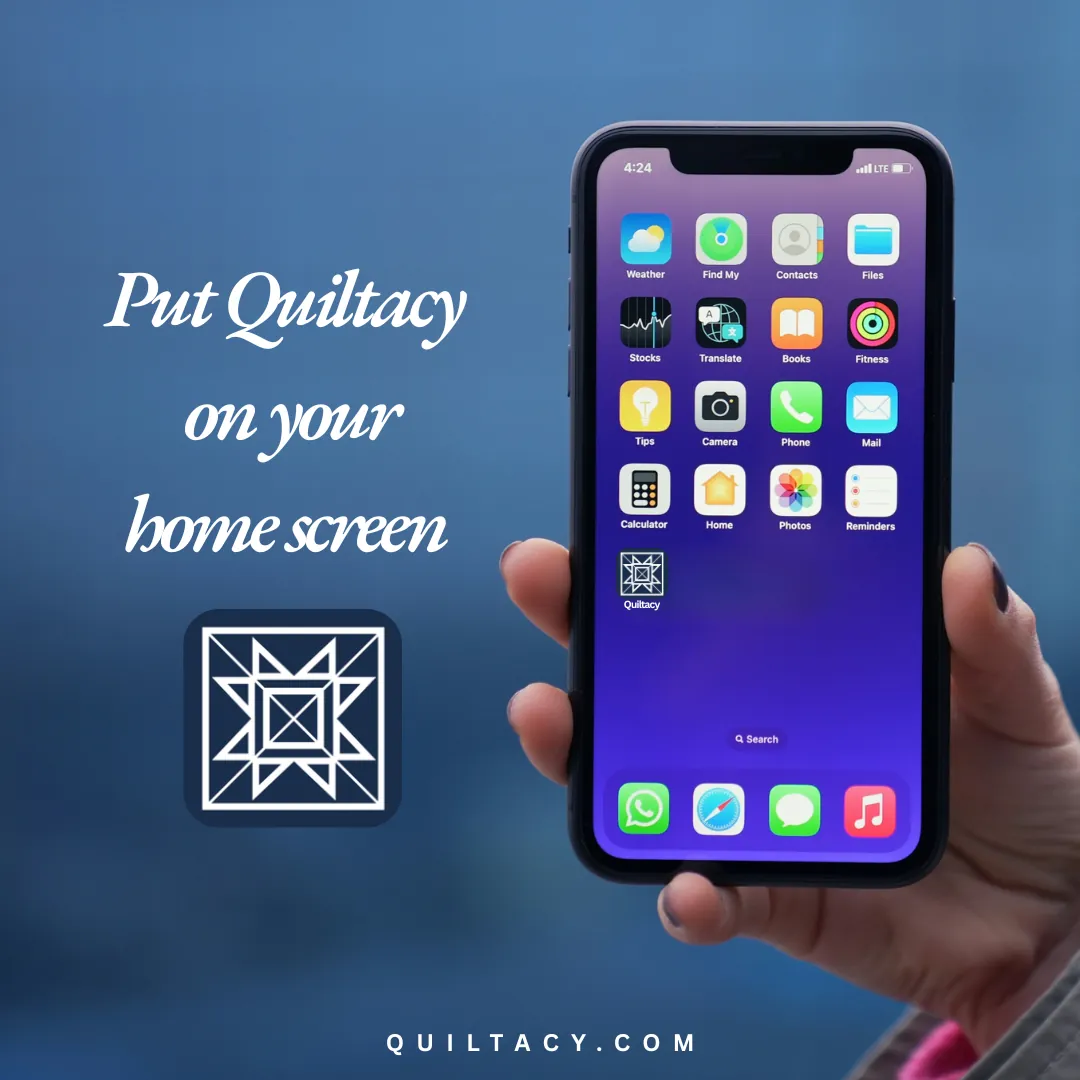
Quiltacy runs in your browser, with nothing to download. You can also add it to your home screen so it opens full screen with its own icon, just like an app.
iPhone and iPad
Add Quiltacy to your home screen so it opens like an app, full screen with its own icon. You will need to use the Safari browser for the initial setup. After that, you can open Quiltacy from your home screen icon.
- 1Open quiltacy.com in Safari.
- 2Tap the Share button (the square with an arrow pointing up), usually at the bottom of the screen.
- 3Scroll down and tap Add to Home Screen.
- 4Tap Add in the top corner. The Quiltacy icon will appear on your home screen.
Android
Add Quiltacy to your home screen so it opens like an app, full screen with its own icon. You will need to use the Chrome browser for the initial setup. After that, you can open Quiltacy from your home screen icon.
- 1Open quiltacy.com in Chrome.
- 2Tap the three-dot menu in the top corner.
- 3Tap Add to Home screen (it may say Install app), then confirm.
One account, every device
You sign in with the same email and password everywhere. Your records, photos, and settings are saved to your account, not to one device. If you add a quilt on your phone, just refresh Quiltacy on your computer to see the quilt there as well.